Showing posts with label development. Show all posts

Monday, February 22, 2016

X11-Basic

https://play.google.com/store/apps/details?id=net.sourceforge.x11basic&hl=en

X11-Basic is a dialect of the BASIC programming language with graphics capability. It has a very rich command set, though it is still easy to learn. The syntax is most similar to GFA-Basic for ATARI-ST. It is a structured dialect with no line numbers. A full manual and command reference is available.
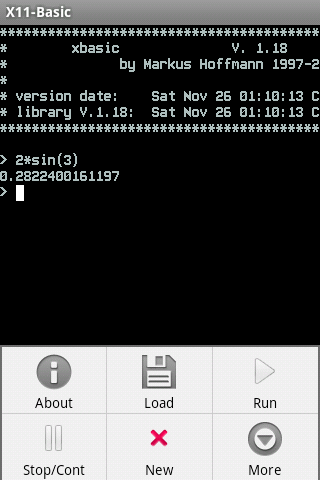
You can directly type in commands and formulas, which are beeing evaluated. This way the interpreter works also as a pocket calculator. It supports complex numbers and big integers.
https://play.google.com/store/apps/details?id=net.sourceforge.x11basic&hl=en

Wednesday, February 17, 2016

AIDE- IDE for Android Java C++

https://play.google.com/store/apps/details?id=com.aide.ui&hl=en
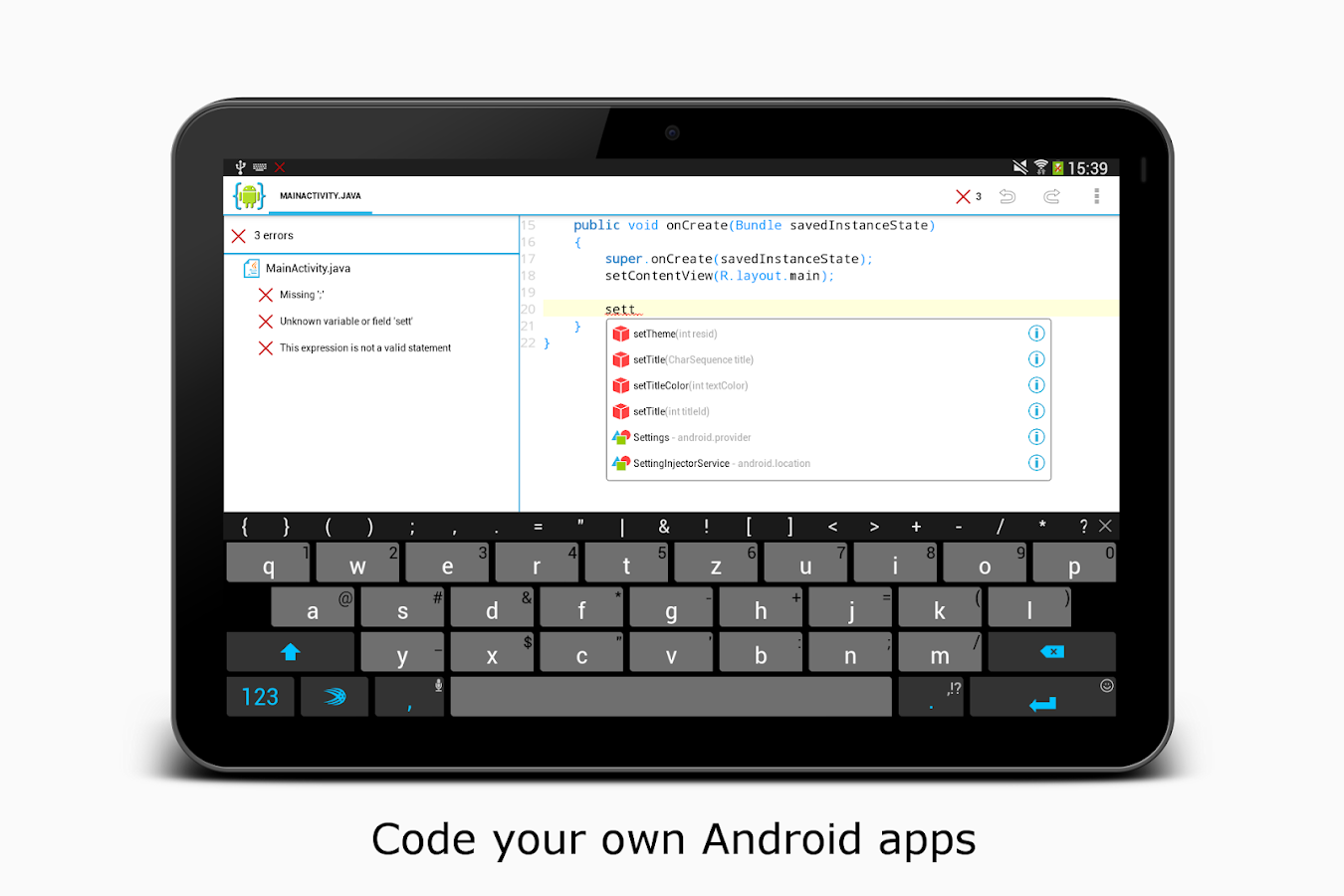
AIDE is an integrated development environment (IDE) for developing real Android apps directly on your Android device. Follow interactive coding lessons and step-by-step become an expert app developer. Visually design apps, write code with the feature rich editor with code completion, real-time error checking, refactoring and smart code navigation, run your app with a single click and use the Java debugger to find bugs.
AIDE features interactive lessons with step-by-step instructions to learn Android app development and Java programming skills. Follow the lessons, become an expert and apply what you've learned in your own app projects.

AIDE supports building apps with Java/Xml and the Android SDK, apps with C/C++ and the Android NDK as well as pure Java console applications. AIDE is fully compatible with Eclipse projects. You can just copy the sourcecode to your device and open the Eclipse project in AIDE to start coding. Alternatively you can keep your sourcecode on your Dropbox - AIDE integrates with Dropbox and allows to easily download from your Dropbox and sync back your changes. AIDE can also open Android Studio projects, which follow the default folder structure. AIDE also supports Git for professional development
 https://play.google.com/store/apps/details?id=com.aide.ui&hl=en

Sunday, October 4, 2015

BASIC!


https://play.google.com/store/apps/details?id=com.rfo.basic

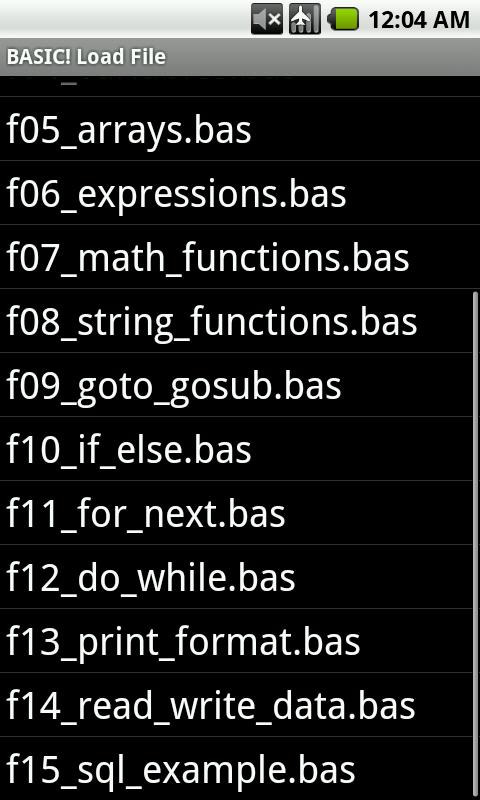
RFO BASIC! is a dialect of Dartmouth Basic that allows you to write and run programs directly on your Android device.

There is a 200+ page manual available in pdf and docx format.


https://play.google.com/store/apps/details?id=com.rfo.basic

Saturday, October 3, 2015

DroidScript - JavaScript IDE


Easily write Apps for your phone or tablet using JavaScript.
Edit your code using our easy-to-use WiFi editor, or just edit code directly on your device. Now you can write Apps anywhere!

Using this App is a great way to learn JavaScript, one of the most popular and useful computer languages on the planet! It contains lots of clear and simple examples and comes with 'active' documentation and a large and friendly community who are ready to help - http://bit.ly/16Cotw

For serious coding sessions, we highly recommend using the built-in browser based IDE (editor). It connects via WiFi to your device allowing wire free coding on Windows, Linux or Mac PCs and it makes coding a breeze!

THIS IS BETA SOFTWARE, so please be kind and post issues and requests on the news group http://bit.ly/16Cotwp instead of giving negative reviews.

Friday, October 2, 2015

MIT AI2 Companion


Use the MIT AI2 Companion to help Develop your very own Android Applications using MIT App Inventor (Version 2, Beta). You can learn more at http://ai2.appinventor.mit.edu.

Note: If you are using MIT App Inventor version 1 (found at beta.appinventor.mit.edu) you should use the MIT AI Companion instead of this program. Both can be present on your phone at the same time.