Showing posts with label cbz-cbr-viewer. Show all posts

Wednesday, October 5, 2016

ComicScreen - ComicViewer


https://play.google.com/store/apps/details?id=com.viewer.comicscreen
Android users are able to easily, quickly see images, pictures, photos, and scanned copy in compressed file / ZIP file.
(This app contains ads)
■ Support compressed files/type : ZIP, RAR, CBZ, CBR
■ Support Images : JPEG , GIF , PNG , BMP

(pdf >android 5.1) 


https://play.google.com/store/apps/details?id=com.viewer.comicscreen


Sunday, September 25, 2016

Moon+ Reader


Cover art


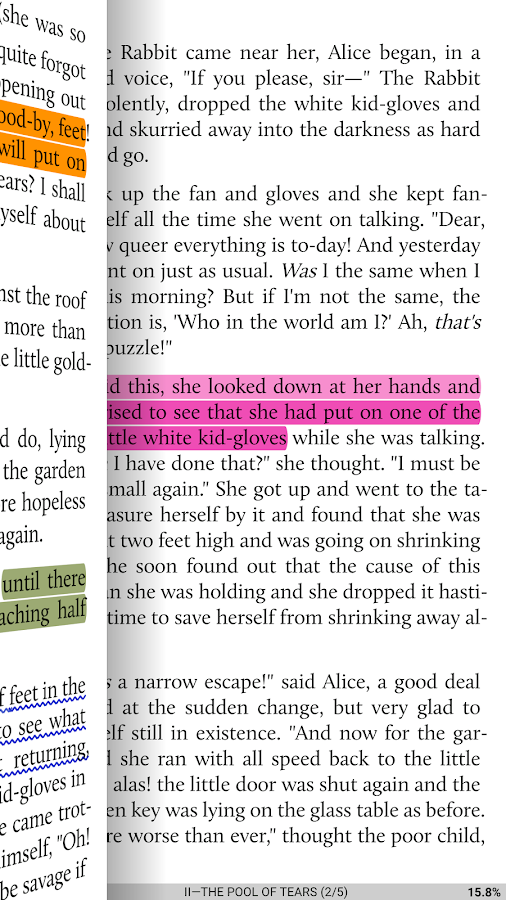
Innovative book reader with powerful controls & full functions:
• Read thousands of ebooks for free, supports online ebook libraries
• Read local books with smooth scroll and tons of innovation
☆ Support epub, pdf, mobi, chm, cbr, cbz, umd, fb2, txt, html, rar, zip or OPDS, key features:
✔ Full visual options: line space, font scale, bold, italic, shadow, justified alignment, alpha colors, fading edge etc.


 https://play.google.com/store/apps/details?id=com.flyersoft.moonreader

Challenger Comics Viewer


https://play.google.com/store/apps/details?id=org.kill.geek.bdviewer
Challenger Comics Viewer is a FREE (NO ADS) advanced comics, manga, books and PDF viewer.
It's really simple to use. You just have to scroll ! Pages are automatically loaded and displayed (no need to click to go to next page). This version works perfectly on phones AND tablets.
Supported image file formats are JPG, PNG, GIF, WebP (Android 4.0+) and BMP.
Supported book file formats are PDF, CBZ/ZIP, CBR/RAR, CBT/TAR, CB7/7Z, and ePUB.